
如何在 JavaScript 中取消转义 HTML 实体?
htmlweb developmentfront end technology更新于 2024/6/18 22:04:17
要在 JavaScript 中取消转义 HTML 实体,请使用 unescaped() 函数。假设您想使用 unescape() 函数对特殊字符进行编码 -
document.write(unescape("Demo%20Text%20"));
在本文中,我们将看到两个示例 -
- 取消转义实体
- 解码编码字符串
取消转义实体
示例
为了取消转义,我们将使用 JavaScript 中的 unescaped() 方法。让我们看一个例子 -
<!DOCTYPE html>
<html>
<body>
   <h2>Demo Heading</h2>
   <script>
      document.write(unescape("Demo%20Text%20"));
   </script>
</body>
</html>
输出
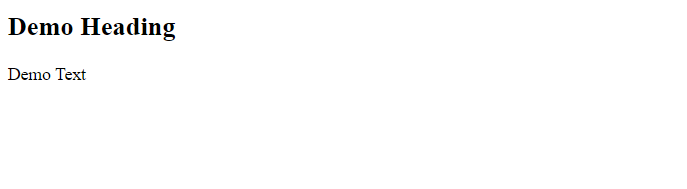
解码已编码的字符串
使用 escape() 进行编码,使用 unescape() 进行解码。这里,我们将在 escape() 方法下设置一个示例字符串进行编码 -
var myStr = escape("Demo Text!!!");
document.write("Encoded String = " + myStr);
之后,我们将使用 unescape() 解码已编码的字符串 -
document.write("Decoded = " + unescape(myStr))
示例
现在让我们看一个例子 -
<!DOCTYPE html>
<html>
<body>
   <h2>Demo Heading</h2>
   <script>
      var myStr = escape("Demo Text!!!");
      document.write("Encoded String = " + myStr);
      document.write("<br>");
      document.write("<hr>");
      document.write("Decoded = " + unescape(myStr))
   </script>
</body>
</html>
输出
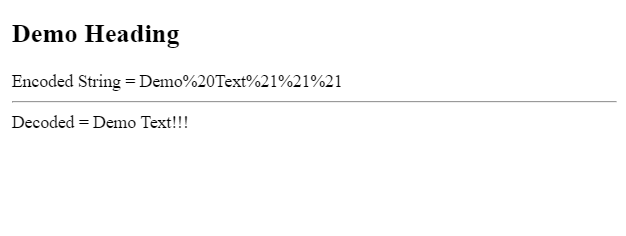
相关文章
有用资源
html 参考教程 - 该教程包含有关 html 的更多信息:https://www.cainiaomax.com/html/

