
HTML 链接
htmlweb developmentfront end technology更新于 2024/5/22 4:28:17
HTML 链接是超链接,这意味着当您点击一个链接时,它会跳转到另一个文档。
语法
以下是语法 −
<a href=”URL” target=”value” >链接内容</a>
此处 URL 指定目标地址,可以是本地地址或外部地址。 target属性定义在何处打开链接文档,它可以采用以下值:
| 值 | 说明 |
|---|---|
| _blank | 在新选项卡或窗口中打开链接文档。 |
| _parent | 在父框架中打开链接文档。 |
| _self | 在同一窗口中打开链接文档。 |
| _top | 在窗口的整个正文中打开链接文档。 |
示例
让我们看一个 HTML 链接的示例 −
<!DOCTYPE html>
<html>
<style>
   body {
      color: #000;
      height: 100vh;
      background-color: #8BC6EC;
      background-image: linear-gradient(135deg, #8BC6EC 0%, #9599E2 100%);
      text-align: center;
   }
</style>
<body>
<h1>HTML Links Demo</h1>
<a href="https://google.com" target="_blank">Go To Google</a>
</body>
</html>
输出
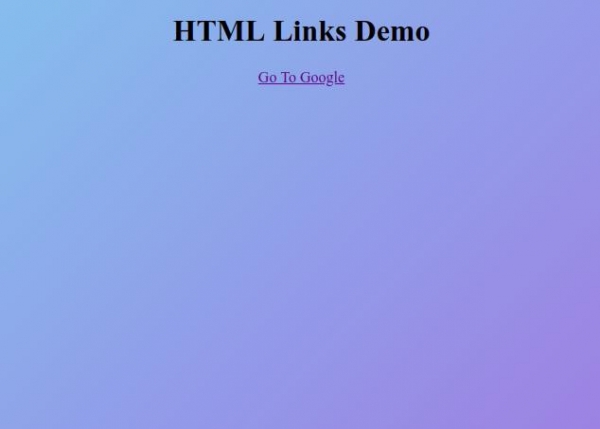
现在点击 “转到 Google”链接在新窗口中打开 Google 链接。
相关文章
有用资源
html 参考教程 - 该教程包含有关 html 的更多信息:https://www.cainiaomax.com/html/

