
HTML DOM 属性
htmlweb developmentfront end technology更新于 2024/6/11 13:00:17
HTML DOM 属性与 HTML 标签中的属性关联,以 NamedNodeMap 类型的对象形式返回给定节点属性的集合。我们可以使用索引号来访问这些节点。索引从 0 开始。
语法
以下是 HTML DOM 属性的语法 −
node.attributes
示例
让我们看一个属性属性的示例 −
<!DOCTYPE html>
<html>
<body>
<p>Click the button the second attribute of the below list</p>
<button id="Btn" onclick="attributeFunc()">ATTR NAME</button>
<button id="Btn" onclick="attrLength()">ATTR LENGTH</button>
<ol id="LIST" type="A" start="5" reversed>
<li>ONE</li>
<li>TWO</li>
<li>THREE</li>
</ol>
<p id="SAMPLE"></p>
<script>
   function attributeFunc() {
      var x = document.getElementById("LIST").attributes[2].name;
      document.getElementById("SAMPLE").innerHTML = x;
   }
   function attrLength(){
      var x = document.getElementById("LIST").attributes.length;
      document.getElementById("SAMPLE").innerHTML = x;
   }
</script>
</body>
</html>
输出
这将产生以下输出 −
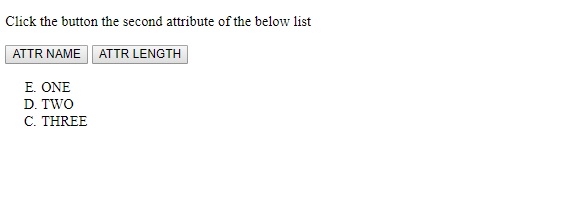
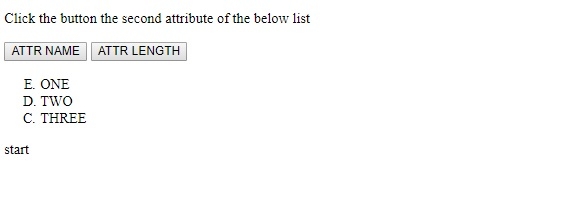
点击"属性名称"按钮后 −
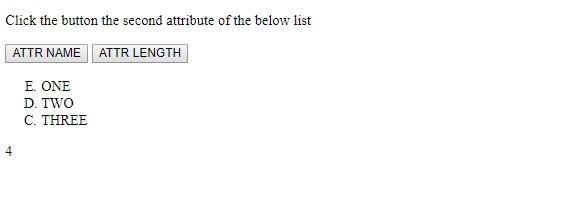
点击"属性长度"按钮后 −
在上面的例子中 −
我们首先创建了一个包含属性 id、type 和 reversed 的有序列表。
<ol id="LIST" type="A" start="5" reversed>
<li>ONE</li>
<li>TWO</li>
<li>THREE</li>
</ol>
然后,我们创建了两个按钮"属性名称"和"属性长度",分别用于执行 attributeFunc() 和 attrLength() 函数。
<button id="Btn" onclick="attributeFunc()">ATTR NAME</button>
<button id="Btn" onclick="attrLength()">ATTR LENGTH</button>
attributeFunc() 函数获取与其关联的 id 为"LIST"的元素,并使用 attribute.name 属性获取其第二个属性名称。第二个索引处的属性名称随后显示在 id 为"Sample"的段落中 −
function attributeFunc() {
   var x = document.getElementById(“LIST”).attributes[2].name;
   document.getElementById(“SAMPLE”).innerHTML = x;
}
attrLenght() 函数还会获取与其关联的 id 为"LIST"的元素,并使用 attribute.length 获取该元素的属性数量,在本例中返回 4。然后,值 4 会显示在 id 为"SAMPLE"的段落中 −
function attrLength(){
   var x = document.getElementById("LIST").attributes.length;
   document.getElementById("SAMPLE").innerHTML = x;
}
相关文章
有用资源
html 参考教程 - 该教程包含有关 html 的更多信息:https://www.cainiaomax.com/html/

