
HTML DOM Video played 属性
htmlweb developmentfront end technology更新于 2024/5/26 10:20:17
HTML DOM Video played 属性返回一个 TimeRanges 对象,其中包含有关视频播放范围长度及其起始和结束位置的信息。
语法
以下是语法 −
返回 TimeRanges 对象
mediaObject.played
让我们看一个 Video played 属性的示例 −
示例
<!DOCTYPE html>
<html>
<head>
<title>HTML DOM Video played</title>
<style>
   * {
      padding: 2px;
      margin:5px;
   }
   form {
      width:70%;
      margin: 0 auto;
      text-align: center;
   }
   input[type="button"] {
      border-radius: 10px;
   }
</style>
</head>
<body>
   <form>
      <fieldset>
         <legend>HTML-DOM-Video-played</legend>
         <video id="demo" width="320" controls><source          src="http://www.tutorialspoint.com/html5/foo.mp4" type="video/mp4"></video><br>
         <input type="button" onclick="getTrackDetails()" value="How much free view time is left?">
         <div id="divDisplay"></div>
         </fieldset>
   </form>
   <script>
      var divDisplay = document.getElementById("divDisplay");
      var demo = document.getElementById("demo");
      demo.autoplay =true;
      var limit = 5;
      function getTrackDetails() {
         divDisplay.textContent = 'You have '+(limit - demo.played.end(0))+' seconds left';
      }
   </script>
</body>
</html>
输出
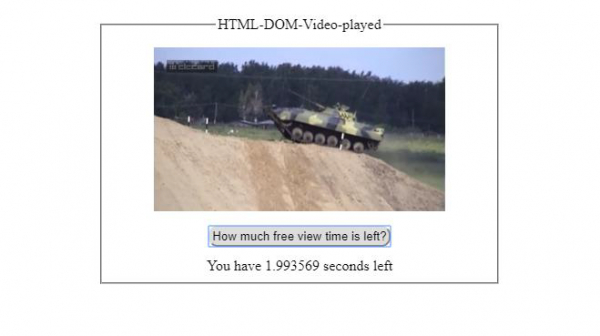
在播放视频时点击"还剩多少免费观看时间?"按钮 −
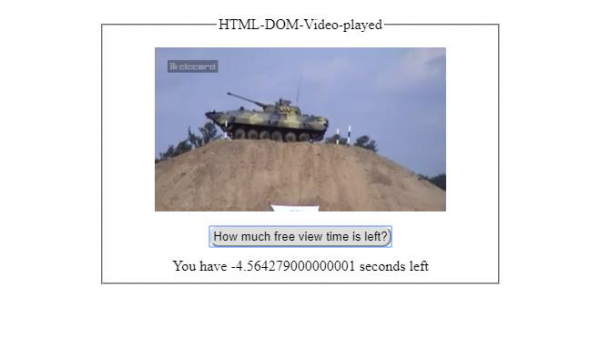
播放视频几秒钟后,点击"还剩多少免费观看时间?"按钮 −
相关文章
有用资源
html 参考教程 - 该教程包含有关 html 的更多信息:https://www.cainiaomax.com/html/

