
HTML DOM 样式滤镜属性
htmlweb developmentfront end technology更新于 2024/3/14 6:36:17
HTML DOM 样式滤镜属性用于定义元素的视觉效果。
以下是语法 −
设置滤镜属性 −
object.style.filter = "none | blur() | bright() | contrast() | drop-shadow() | grayscale() | hue-rotate() | invert() | opacity() | saturate() | sepia()"
以上属性值的解释如下 −
| 滤镜 |
描述 |
|---|---|
| none |
这表示未指定任何效果。 |
| blur(px) |
应用模糊效果。 |
| brightness(%) |
用于调整图像亮度。取值范围为 100%(原始图像)至以上值。 |
| contrast(%) |
用于调整图像对比度。取值范围为 0%(全黑)和 100%(原始图像),高于 100% 时对比度会降低。 |
| drop-shadow(h-shadowv-shadow blur spread color) |
用于为图像应用阴影。 |
| grayscale(%) |
用于将图像转换为灰度图像,其中 0% 表示原始图像,100% 表示完全灰色。 |
| hue-rotate(deg) |
使用给定参数的度数对图像应用色调旋转。默认值为 0 度,代表原始图像,最高可达 360 度。 |
| invert(%) |
用于反转图像中的样本。 |
| opacity(%) |
用于设置图像的不透明度级别,范围从 0%(完全透明)到 100%(原始图像和默认值)。 |
| saturate(%) |
使图像饱和。 |
| sepia(%) |
将图像转换为棕褐色。 |
我们来看一个 filter 属性的示例 −
示例
<!DOCTYPE html>
<html>
<head>
<style>
   #one {
      filter: hue-rotate(90deg);
   }
</style>
<script>
   function changeFilter() {
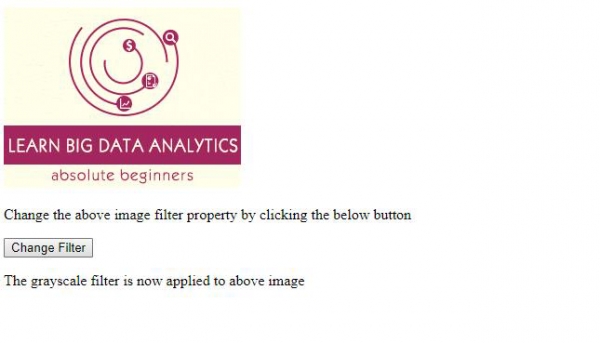
      document.getElementById("one").style.filter ="sepia(40%)";
      document.getElementById("Sample").innerHTML="The grayscale filter is now applied to above    image";
   }
</script>
</head>
<body>
   <img id="one" src="https://www.cainiaomax.com/big_data_analytics/images/big-data-analytics-      mini-logo.jpg">
   <p>Change the above image filter property by clicking the below button</p>
   <button onclick="changeFilter()">Change Filter</button>
   <p id="Sample"></p>
</body>
</html>
输出
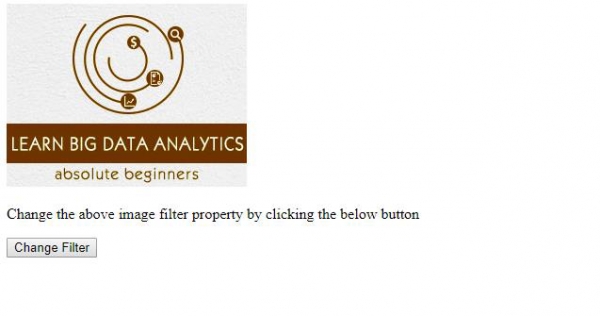
点击"更改过滤器"按钮 −
相关文章
有用资源
html 参考教程 - 该教程包含有关 html 的更多信息:https://www.cainiaomax.com/html/

