
HTML DOM 样式 animationDelay 属性
htmlweb developmentfront end technology更新于 2024/5/20 19:24:17
animationDelay 属性用于指定动画序列的开始时间。我们可以将其设置为立即开始、在某个时间间隔后开始或中途开始。
语法
以下是语法 −
设置 animationDelay 属性 −
object.style.animationDelay = "time|initial|inherit"
值
以下可以是值 −
| 值 | 描述 |
|---|---|
| time | 用于指定动画开始前等待的时间(以秒或毫秒为单位)。时间的默认值为 0。 |
| initial | 用于将此属性设置为初始值。 |
| inherit | 用于继承父级属性值。 |
示例
让我们看一下 animationDelay 属性的示例 −
<!DOCTYPE html>
<html>
<head>
<style>
   #box {
      width: 50px;
      height: 50px;
      border-radius: 10%;
      background: lightgreen;
      position: relative;
      animation: glide 5s;
      animation-delay: 1s;
      transition: 0.5s;
   }
   @keyframes glide {
      from {left: 0px;}
      to {left: 200px; background-color: lightblue;}
   }
</style>
<script>
   function delayChange(){
      document.getElementById("box").style.animationDelay="5s";
      document.getElementById("Sample").innerHTML="The animation will now start after a delay of 5 seconds";
   }
</script>
</head>
<body>
<h1>animationDelay property example</h1>
<div id="box"></div>
<p>Change the above animation delay to 5s by clicking the below button</p>
<button onclick="delayChange()">CHANGE DELAY</button>
<p id="Sample"></p>
</body>
</html>
输出
这将产生以下输出 −
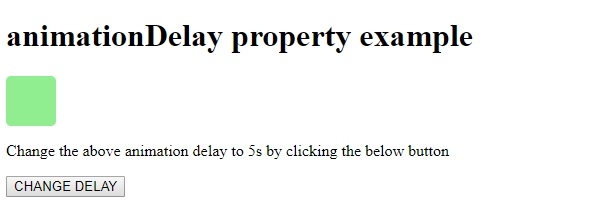
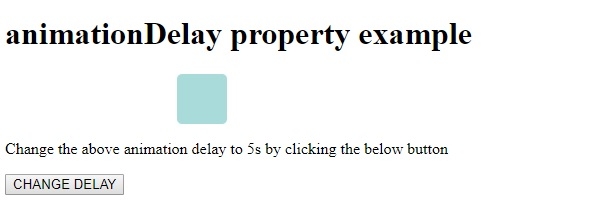
1 秒后,动画开始播放,在动画过渡过程中,我们得到以下输出 −
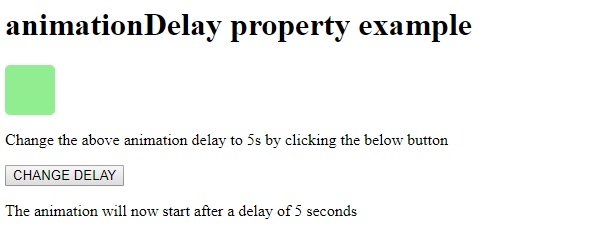
点击"更改延迟"按钮后,动画将在 5 秒后开始播放 −
相关文章
有用资源
html 参考教程 - 该教程包含有关 html 的更多信息:https://www.cainiaomax.com/html/

