
HTML DOM cite 对象
htmlweb developmentfront end technology更新于 2024/6/2 1:16:17
HTML DOM cite 对象与 HTML <cite> 元素关联。<cite> 元素用于引用被引用的创意作品,并且必须包含标题。作品可以是绘画、书籍、电视节目、电影等。
语法
以下是语法 −
创建 cite 对象 −
var x = document.createElement("CITE");
示例
让我们看一个 HTML DOM cite 对象的示例 −
<!DOCTYPE html>
<html>
<body>
<p>Click the below button to create a CITE element.</p>
<button onclick="createCite()">CREATE</button><br><br>
<img src="https://upload.wikimedia.org/wikipedia/commons/thumb/e/ea/Van_Gogh_-
_Starry_Night_-_Google_Art_Project.jpg/800px-Van_Gogh_-_Starry_Night_-
_Google_Art_Project.jpg" width="220" height="277" alt="The Starry night">
<script>
   function createCite() {
      var x = document.createElement("CITE");
      var t = document.createTextNode("The Starry night.");
      x.appendChild(t);
      document.body.appendChild(x);
   }
</script>
</body>
</html>
输出
这将产生以下输出 −
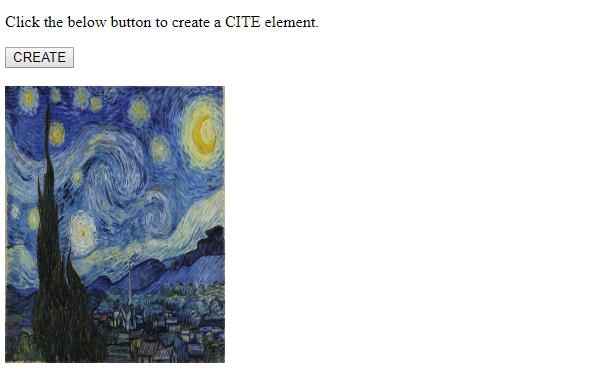
点击"创建"
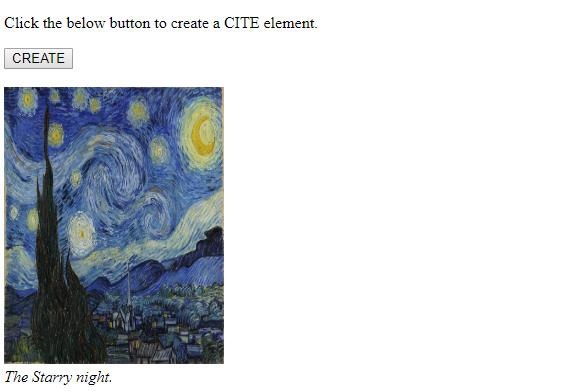
在上面的例子中,我们使用 <img> 插入了一张图片。标签 −
<img src="https://upload.wikimedia.org/wikipedia/commons/thumb/e/ea/Van_Gogh_-_Starry_Night_-_Google_Art_Project.jpg/800px-Van_Gogh_-_Starry_Night_-_Google_Art_Project.jpg" width="220" height="277" alt="The Starry night">
然后我们创建了一个按钮 CREATE 来执行 createCite() 方法 −
<button onclick="createCite()">CREATE</button>
createCite() 方法创建一个 <cite> 元素并将其赋值给变量 x。同时创建一个包含文本的文本节点并将其赋值给变量 t。然后,使用变量 x 的 appendChild() 方法将该文本节点附加到 <cite> 元素。之后,使用文档主体的 appendChild() 方法将 <cite> 元素及其文本节点附加到文档主体。
相关文章
有用资源
html 参考教程 - 该教程包含有关 html 的更多信息:https://www.cainiaomax.com/html/

