
如何创建一个像链接一样的 HTML 按钮?
htmlweb developmentfront end technology更新于 2024/6/10 3:56:17
我们可以轻松创建一个像链接一样且可点击的 HTML 按钮。让我们看以下示例 -
- 使用 <a> 标签创建 HTML 按钮链接
- 使用 <form> 标签创建 HTML 按钮链接
- 使用 onclick 事件创建 HTML 按钮链接
使用 <a> 标签创建 HTML 按钮链接
在此示例中,我们将使用 <a> 标签创建一个链接按钮。<button> 标签设置在 <a> 标签内 -
<a href='https://www.cainiaomax.com/tutorialslibrary.htm'>
   <button class="mybtn">
      Tutorial Library
   </button>
</a>
请将光标添加到指针值,使光标看起来像是点击了按钮本身的链接。按钮样式如下:
.mybtn {
   background-color: white;
   text-align: center;
   display: inline-block;
   font-size: 15px;
   cursor: pointer;
}
示例
现在让我们看一下使用 <a> 标签创建 HTML 按钮链接的完整示例 -
<!DOCTYPE html>
<html>
<head>
   <title>Button Link</title>
   <style>
      .mybtn {
         background-color: white;
         text-align: center;
         display: inline-block;
         font-size: 15px;
         cursor: pointer;
      }
   </style>
</head>
<body>
   <h1>Free Resources</h1>
   <p>Refer the free tutorials:</p>
   <a href='https://www.cainiaomax.com/tutorialslibrary.htm'>
   <button class="mybtn">
      Tutorial Library
   </button>
   </a>
</body>
输出
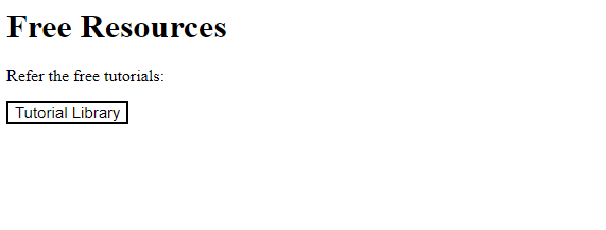
点击按钮链接 教程库。它将打开按钮中添加的链接 -

使用 form 标签创建 HTML 按钮链接
在此示例中,我们将使用 <form> 标签创建一个链接按钮。<button> 标签设置在 <form> 标签内 -
<form action="https://www.cainiaomax.com/latest/ebooks">
   <button class = "mybtn" type="submit">
      Ebooks
   </button>
</form>
请将光标添加到指针值,使光标看起来像是点击了按钮本身的链接。按钮样式如下:
mybtn {
   background-color: white;
   text-align: center;
   display: inline-block;
   font-size: 15px;
   cursor: pointer;
}
示例
现在让我们看一下使用 <form> 标签创建 HTML 按钮链接的完整示例 -
<!DOCTYPE html>
<html>
<head>
   <title>Button Link</title>
   <style>
      .mybtn {
         background-color: white;
         text-align: center;
         display: inline-block;
         font-size: 15px;
         cursor: pointer;
      }
   </style>
</head>
<body>
   <h1>Resources</h1>
   <p>Refer the Ebooks:</p>
   <form action="https://www.cainiaomax.com/latest/ebooks">
      <button class = "mybtn" type="submit">
         Ebooks
      </button>
   </form>
</body>
输出
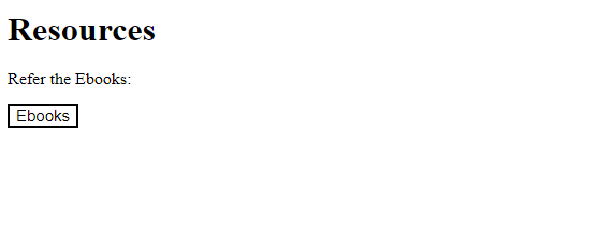
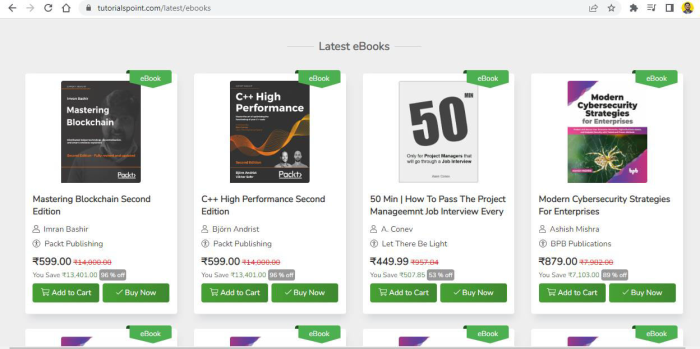
点击按钮链接 Ebooks。它将打开按钮中添加的链接 -
使用 onclick 事件创建 HTML 按钮链接
在此示例中,我们将创建一个带有 onclick 事件的链接按钮 -
<button class="mybtn" onclick="window.location.href =
   'https://www.cainiaomax.com/codingground.htm';">
   CodingGround
</button>
请将光标添加到指针值,使光标看起来像是点击了按钮本身的链接。按钮样式如下:
mybtn {
   background-color: white;
   text-align: center;
   display: inline-block;
   font-size: 15px;
   cursor: pointer;
}
示例
现在让我们看一下使用 onclick 事件创建 HTML 按钮链接的完整示例 -
<!DOCTYPE html>
<html>
<head>
   <title>Button Link</title>
   <style>
      .mybtn {
         background-color: white;
         text-align: center;
         display: inline-block;
         font-size: 15px;
         cursor: pointer;
      }
   </style>
</head>
<body>
   <h1>Online Compiler</h1>
   <p>Refer the complier to run programs online:</p>
   <button class="mybtn"
      onclick="window.location.href = 'https://www.cainiaomax.com/codingground.htm';">
      CodingGround
   </button>
</body>
输出
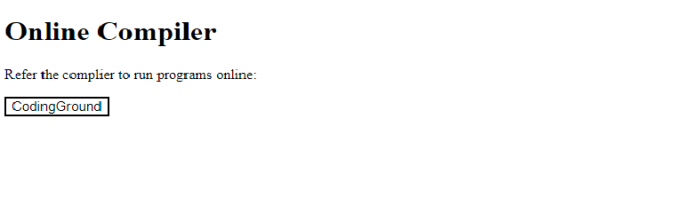
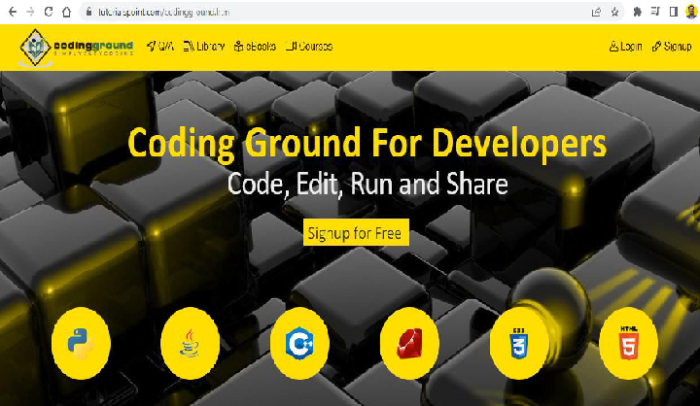
点击按钮链接 CodingGround。它将打开按钮中添加的链接:
相关文章
有用资源
html 参考教程 - 该教程包含有关 html 的更多信息:https://www.cainiaomax.com/html/

