
在 HTML 中,每次播放速率发生变化时执行脚本?
htmlweb developmentfront end technology更新于 2024/8/14 23:08:17
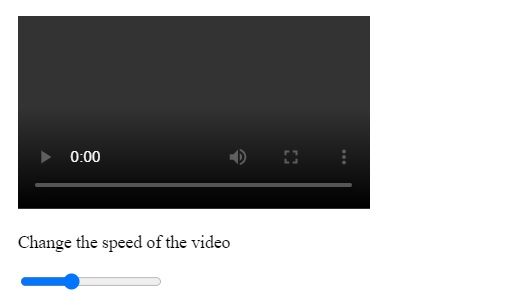
在 HTML 中使用 onratechange 属性,在每次播放速率发生变化时执行脚本。
示例
您可以尝试运行以下代码来实现 onratechange 属性 −
<!DOCTYPE html>
<html>
   <body>
      <video id = "myid" width = "320" height = "176" controls onratechange = "display()">
         <source src = "/html5/foo.ogg" type = "video/ogg" />
         <source src = "/html5/foo.mp4" type = "video/mp4" />
         Your browser does not support the video element.
      </video>
      <p id="test">Change the speed of the video</p>
      <input type = "range" min = "0.1" max = "3" step = "0.2" value = "1"oninput = "update(this)">
      <script>
         function display() {
            document.getElementById("test").innerHTML = "Speed: " + document.getElementById("myid").playbackRate;
         }
         function update(ob) {
            document.getElementById("myid").playbackRate = ob.value;
         }
      </script>
   </body>
</html>
输出
相关文章
有用资源
html 参考教程 - 该教程包含有关 html 的更多信息:https://www.cainiaomax.com/html/

